Share
Installing and maintaining a CNC Machine Tool Accessory correctly requires more than bolting on a component and connecting a cable. We recommend a controlled process that begins with specification review, continues through mechanical alignment, electrical and pneumatic installation, commissioning, and finishes with preventive maintenance and documented inspection. Whether you are installing a HAEGOLIA coolant system, chip conveyor, hydraulic chuck, tool holder, rotary table, lubrication unit, or protective enclosure, the objective is the same: achieve stable machine performance, protect operators, prevent unplanned downtime, and preserve accuracy—often to a target of 0.01 mm where the machine and accessory specifications allow it.
The most reliable installations begin before the accessory arrives at the machine. We first confirm compatibility, operating conditions, interface dimensions, and acceptance criteria.
Review the CNC machine manufacturer’s manual and the HAEGOLIA product documentation together. Confirm:
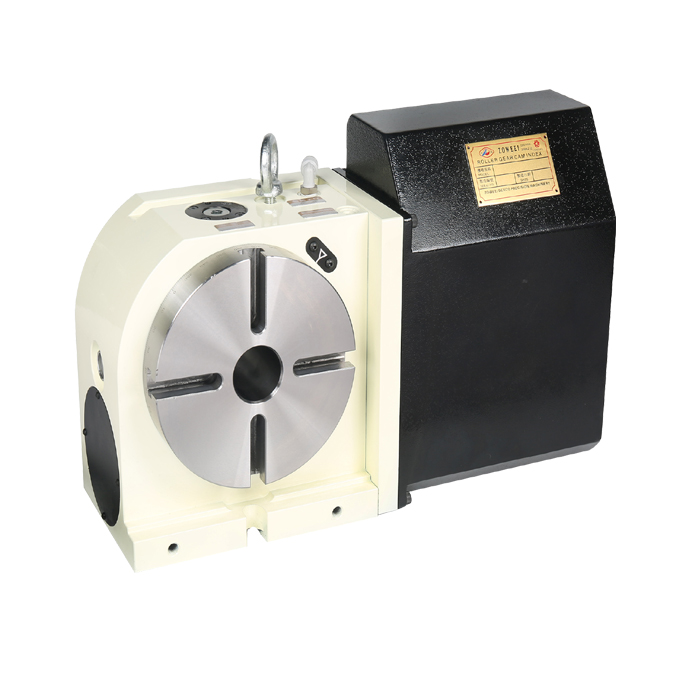
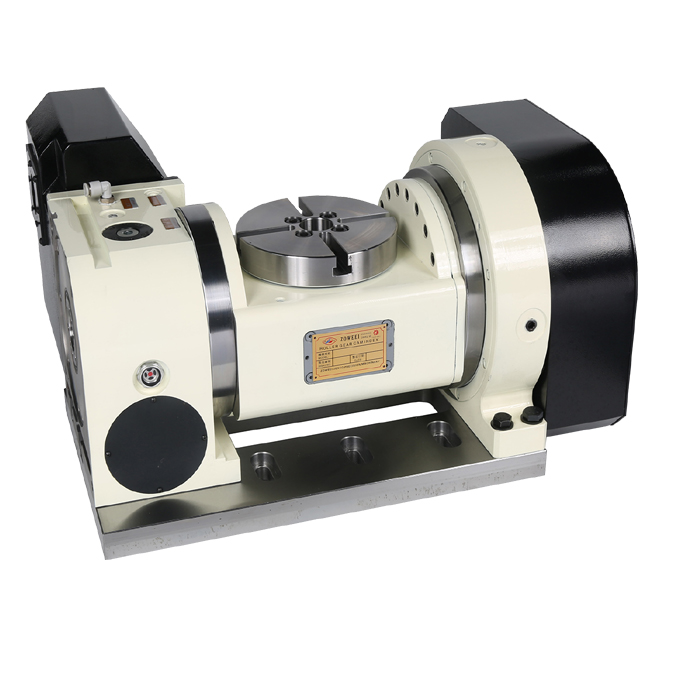
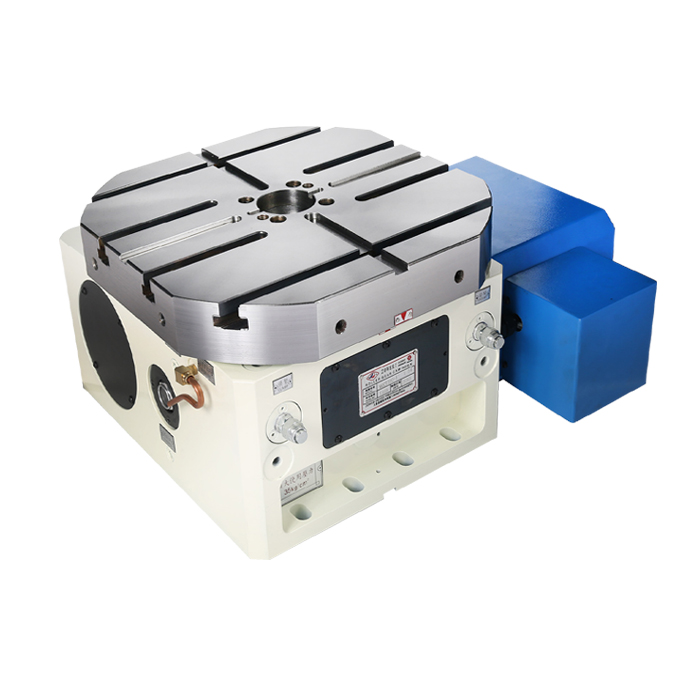
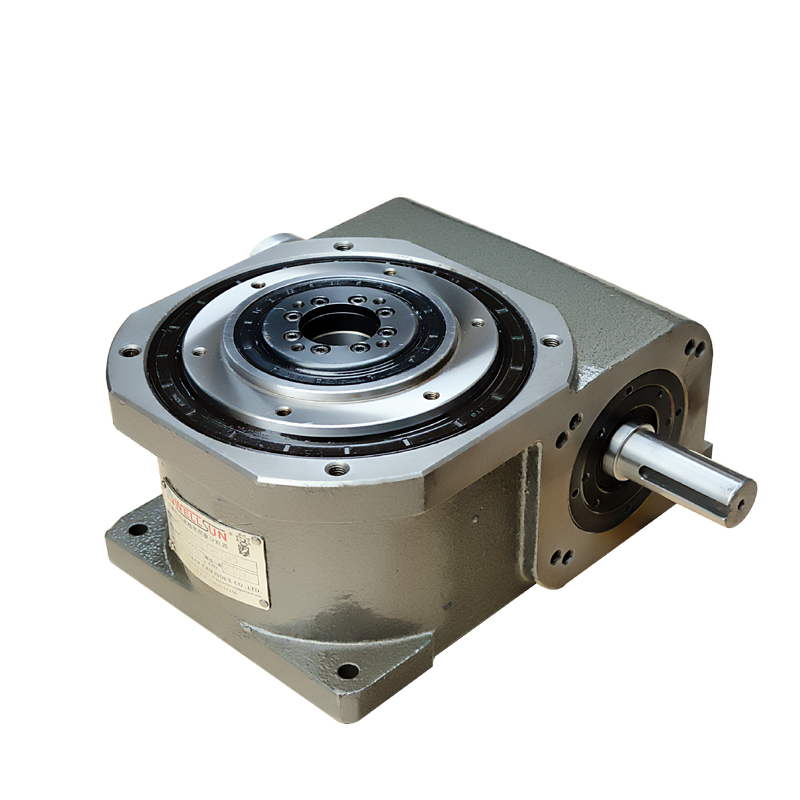
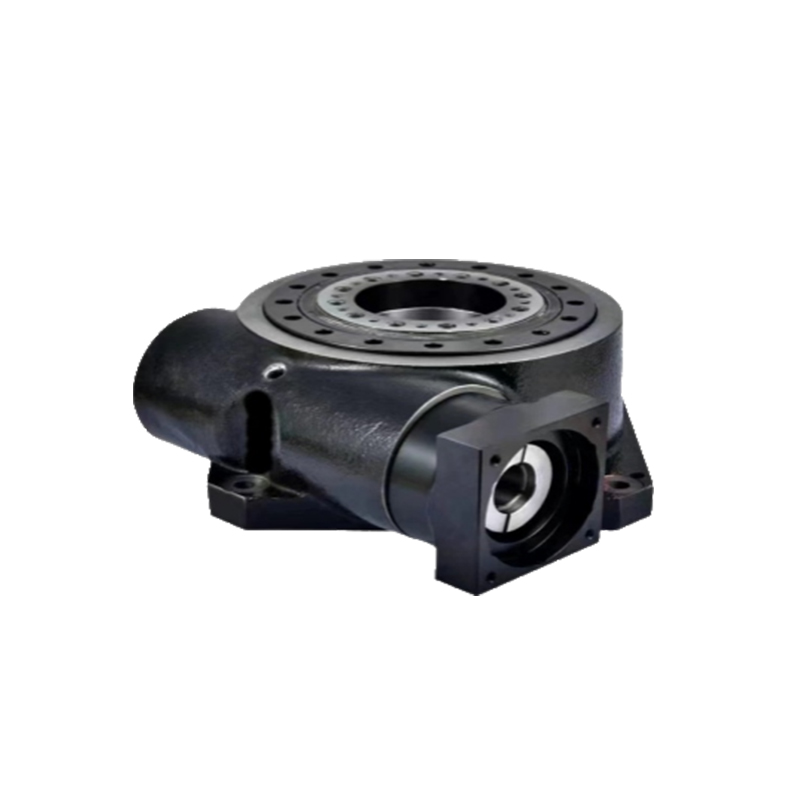
A CNC Machine Tool Accessory should never be selected only by nominal size. For example, a rotary table must match the machine’s allowable load and servo interface, while a hydraulic chuck must match the spindle nose, drawtube, pressure range, and clamping force.
Before removing protective packaging, we recommend photographing the shipment and checking the packing list. Look for:
For quality control, request a dimensional and functional inspection record. A supplier with strong process control should be able to provide 100% inspection for critical parts, along with calibration records for measuring equipment.
Cleanliness is essential. Fine chips or abrasive dust trapped between a machine table and accessory base can create alignment errors much larger than 0.01 mm.
Before installation:
We also recommend preparing a written installation checklist. It should include torque values, alignment tolerances, cable numbers, hose connections, test results, and sign-off points.
!
Once the machine and accessory are ready, the installation should proceed in stages rather than all at once. This makes errors easier to identify and reduces the risk of damage.
Use the machine drawing and accessory installation drawing to identify the primary datum. Do not use loose bolts as an alignment method.
For a typical mounting procedure:
If the accessory has a machined datum surface, measure it with a dial indicator or electronic probe. For precision applications, verify parallelism and squareness according to the machine builder’s procedure.
Relevant references may include:
These standards do not replace the HAEGOLIA or machine-tool installation manual. Instead, they provide a structured basis for inspection and acceptance.
Alignment is one of the most important steps when installing a CNC Machine Tool Accessory. Incorrect alignment can cause chatter, uneven tool wear, poor surface finish, and premature bearing failure.
Use the appropriate measuring tools:
Measure:
A 0.01 mm runout target may be suitable for some high-precision accessories, but it must be confirmed against the product drawing and machine application. A coolant tank, for example, does not require the same geometric accuracy as a high-speed spindle or precision rotary axis.
Electrical installation should be completed by qualified personnel familiar with CNC control systems. Before energizing the equipment, confirm:
Where applicable, use IEC 60204-1 as a reference for the electrical equipment of machinery. The final wiring must still follow the machine builder’s electrical schematics.
Keep power cables separate from encoder, sensor, and communication cables to reduce electromagnetic interference. Avoid routing cables across sharp edges, moving joints, hot surfaces, or areas exposed to chips.
Fluid connections require equal attention. Incorrect pressure or contaminated fluid can damage seals, valves, pumps, and actuators.
Before connection:
Never assume that similar-looking fittings are interchangeable. A mismatched thread may appear tight but still leak under operating pressure.
For coolant-related equipment, check concentration with a refractometer and follow the cutting-fluid supplier’s recommended range. Excessively weak coolant can promote corrosion and bacterial growth, while excessive concentration may damage seals or leave residue.
After mechanical and utility connections are complete, we move through a controlled commissioning sequence. The first test should be performed without a workpiece whenever possible.
Check the accessory at low speed or no-load conditions first:
For a rotary axis, verify homing, indexing, brake release, encoder feedback, and directional commands. For a chip conveyor, check motor rotation, overload protection, scraper movement, and interlock logic.
After the no-load test is successful, conduct a gradual load test. Increase speed, pressure, flow, or cutting load in stages rather than immediately operating at maximum capacity.
Record:
Thermal behavior is especially important. A component that appears accurate when cold may shift after reaching operating temperature. For precision work, allow the machine to reach thermal stability before making final compensation adjustments.
Incorrect parameters can cause crashes even when the accessory is mechanically installed correctly. Verify:
Save the original parameter file before modification. Keep a second backup in a controlled location and record every change in the commissioning report.
A good maintenance plan combines operator checks, technician inspections, and periodic accuracy verification. We should not wait for an alarm before inspecting a CNC Machine Tool Accessory.
At the beginning and end of each shift, inspect:
Operators should record abnormalities immediately. A small change in sound, temperature, or vibration can indicate bearing wear, misalignment, contamination, or lubrication failure.
Weekly tasks may include:
Monthly or scheduled technician tasks may include:
The exact interval depends on duty cycle, contamination, speed, load, and operating environment. A high-volume aluminum machining line may need more frequent chip and coolant maintenance than a low-volume finishing cell.
For high-value equipment, we recommend tracking trends instead of relying only on calendar intervals. Useful measurements include:
A gradual increase in vibration or motor current is often more useful than a single isolated reading. Set internal warning levels and escalation rules. For critical production lines, a supplier response target of 24 hours can reduce downtime, but the response commitment should be confirmed in the HAEGOLIA service agreement.
Even a carefully installed accessory can experience problems. The following diagnostic sequence helps us avoid replacing parts unnecessarily.
Possible causes include:
Start by cleaning and rechecking the mounting surfaces. Then measure the accessory independently from the machine. If the error changes after repeated clamping, inspect the locating system and mounting torque.
Check:
Do not simply tighten a leaking fitting indefinitely. Over-tightening can crack a port or damage the seal.
Inspect the sensor position, connector, cable continuity, PLC input status, and parameter assignment. Chips can obstruct proximity sensors, while coolant can enter poorly sealed connectors.
Use the electrical schematic and I/O diagnostic screen together. This is faster and safer than changing sensors without confirming the signal path.
Review lubrication, load, speed, alignment, and bearing condition. Also check whether a protective cover or hose is contacting a moving component.
If vibration increases rapidly, stop production and inspect the accessory. Continuing to run a damaged bearing or unbalanced rotary unit can increase repair costs and create a safety hazard.
A structured maintenance system improves consistency. We recommend keeping the following resources near the machine:
| Resource | Purpose |
|---|---|
| HAEGOLIA installation manual | Mounting, wiring, pressure, and operating requirements |
| Machine-tool manual | Axis limits, control parameters, interlocks, and safety procedures |
| Installation checklist | Prevents missed connections and incomplete inspections |
| Torque chart and calibrated torque wrench | Controls fastening accuracy |
| Dial indicator and precision level | Checks alignment and runout |
| Multimeter and insulation tester | Verifies electrical installation |
| Pressure gauge and flow meter | Confirms hydraulic, pneumatic, and coolant performance |
| Refractometer | Checks coolant concentration |
| Vibration meter | Supports condition-based maintenance |
| Maintenance log | Tracks trends, repairs, and part replacement |
Every installation should produce a final record containing photographs, measured values, parameter backups, inspection results, and operator training confirmation.
In a representative production-cell application, a shop replaced an aging coolant and chip-management system with a properly specified HAEGOLIA accessory package. The original installation had recurring chip accumulation, inconsistent coolant flow, and unrecorded filter changes.
The improvement process included:
The most important result was not a single specification. It was process control: the team established baseline readings, maintained a written log, and investigated deviations before they became production failures. This approach can be applied to almost any HAEGOLIA CNC Machine Tool Accessory.
Before releasing the machine for production, confirm that:
The answer to How Should CNC Machine Tool Accessories Be Installed and Maintained? is a disciplined cycle: specify correctly, install on clean datums, align and test systematically, operate within rated limits, and maintain through documented inspections. By applying this method to every CNC Machine Tool Accessory, we can improve machining stability, protect accuracy to the required tolerance, reduce unexpected downtime, and extend service life. With HAEGOLIA documentation, calibrated tools, standards-based inspection, and timely technical support, both first-time users and experienced machining teams can achieve dependable long-term performance.